


UPI QR codes are the fastest way to receive payments in India—a merchant displays a code, a customer scans it with their phone, and money transfers instantly. These square barcodes have become ubiquitous at tea stalls, shops, and restaurants because they require no internet connection to display and no bank details to share. But how exactly do they work, and are they truly safe? Here’s what every Indian needs to know.
Key Takeaways
- Two types exist: Static QR codes (fixed amount, reusable) and dynamic QR codes (variable amount, better tracking)
- Encrypted transactions: UPI QR codes encrypt customer bank details; only the payee’s UPI ID is visible in the code itself
- RBI regulates all UPI flows: The Reserve Bank of India requires all QR-based payments to follow NPCI (National Payments Corporation of India) security standards
- Merchant verification matters: Always confirm the payee name matches before scanning at checkout
- No internet required to display: The QR code image itself needs no live connection; only the payer’s phone needs internet to initiate the transaction
- Dispute resolution available: If a duplicate charge occurs, both NPCI rules and your bank allow refund claims within 90 days
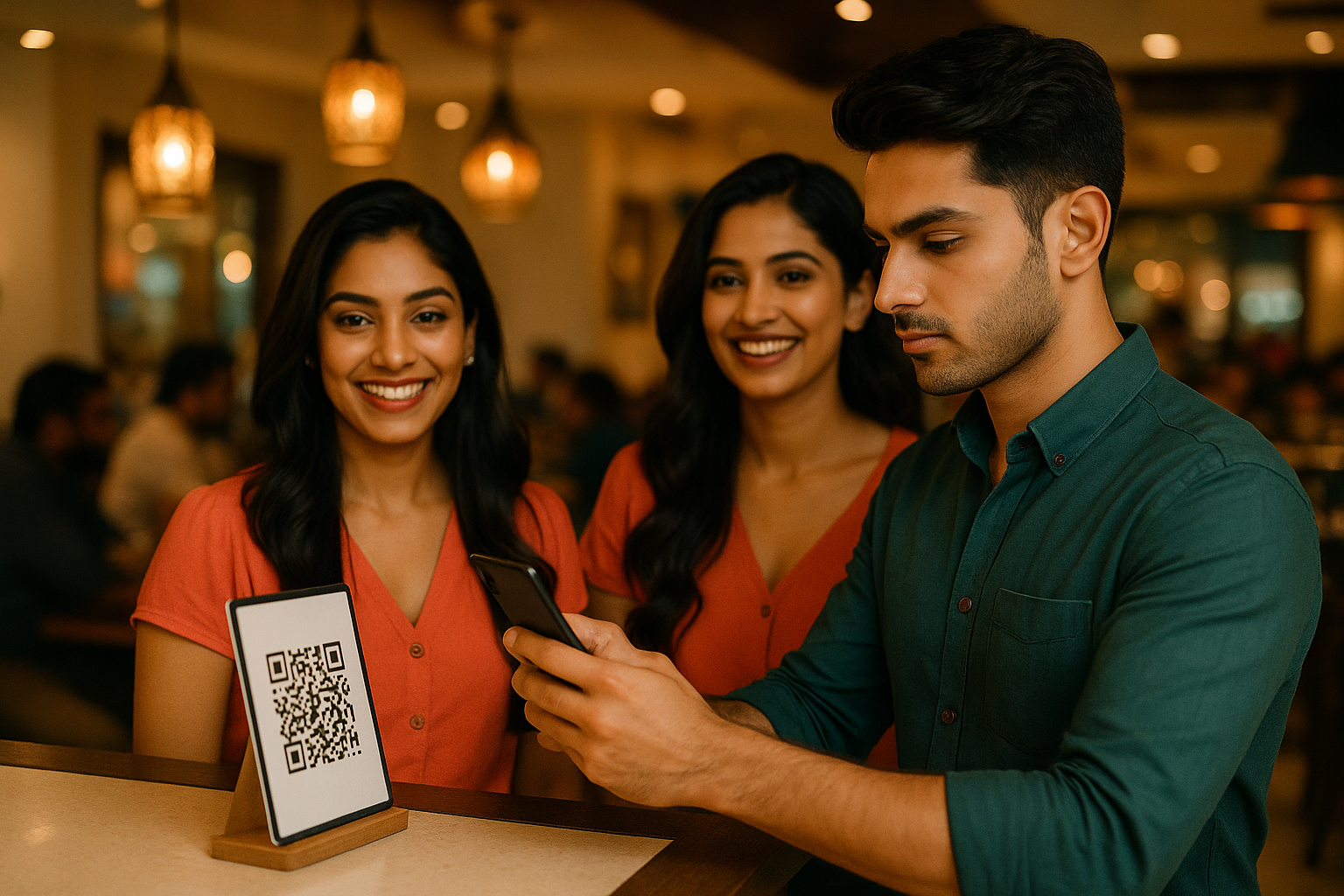
What Is a UPI QR Code and Why Do Merchants Use Them?
A UPI QR code is a two-dimensional barcode that encodes payment instructions. When you scan it with your UPI app (Google Pay, PhonePe, Paytm, or your bank’s app), it opens a payment screen pre-filled with the payee’s UPI ID, name, and sometimes a fixed amount.
Merchants prefer QR codes because:
– Low setup cost: A printed QR code costs nothing after initial generation
– Works offline: The code display requires no internet; only the payer needs connectivity
– Reduces cash handling: Immediate digital settlement reduces theft and accounting errors
– Transaction records: Every payment creates an automatic receipt, aiding GST compliance for registered businesses
Per NPCI data (as of 2025), UPI QR code transactions now exceed ₹8 lakh crore annually, outpacing card-based payments in volume.
How Do UPI QR Codes Actually Work? A Step-by-Step Breakdown
Step 1: Code Generation
A merchant (or their payment service provider) generates a QR code linked to their UPI ID. This is either done through their bank’s dashboard, a third-party app like Zeus, BillPlz, or direct NPCI APIs.
Step 2: Code Display
The merchant prints or displays the QR code (as a sticker, printed receipt, or on-screen). The image contains the merchant’s UPI ID in encoded form, not as readable text.
Step 3: Customer Scans
You open your UPI app’s camera or use the app’s “Scan QR” button. The app decodes the merchant’s UPI ID from the barcode.
Step 4: Payer Enters Amount
For dynamic QR codes, you type the payment amount. For static codes (with a fixed amount pre-set), you confirm it. You then enter your UPI PIN to authorize.
Step 5: Encryption and Transfer
Your bank and the merchant’s bank encrypt the transaction using 256-bit SSL encryption. Your phone, account number, and other sensitive details never appear in the QR code itself—only your UPI app holds this information.
Step 6: Settlement
NPCI processes the transaction in real-time (typically within 5–10 seconds). Both parties receive SMS confirmations and in-app receipts.
Static vs. Dynamic UPI QR Codes: Which Is Safer?
| Feature | Static QR | Dynamic QR |
|---|---|---|
| Amount | Fixed (pre-set) | Variable (customer-entered) |
| Reusability | Yes, indefinite | No, one-time use |
| Best for | Small fixed payments (₹50 tea, ₹100 candle) | Variable bills (restaurant, salon) |
| Security | Lower risk of overpayment if code is confirmed | Higher—server-side tracking; ties to a unique transaction ID |
| Traceability | Less detailed | Audit trail with timestamp, payer IP, device ID |
| Merchant recommendation | Shops, street vendors | Registered businesses, invoicing |
Dynamic QR codes are generally safer for larger transactions because they’re generated server-side by a payment gateway (like Razorpay, BillDesk, or Instamojo), logged with unique transaction IDs, and expire after a set time (often 5–10 minutes). If someone clones or photographs a dynamic code later, it won’t work.
Static codes, while convenient, can theoretically be reused indefinitely by a fraudster if stolen. However, the payer still controls the amount and must authorize with their PIN, making unintended payments unlikely.
Are UPI QR Codes Safe? Security Features and Risks
Security Features Built In
- UPI PIN protection: Every transaction requires your 6-digit PIN. No QR code scan can transfer funds without it.
- Encryption: All data between your phone and the bank (or NPCI) is encrypted end-to-end.
- NPCI oversight: The National Payments Corporation of India, established by RBI, audits all UPI flows quarterly.
- Payer verification: Your app displays the payee’s name (per account registration) before you authorize; you can abort if it’s wrong.
- One-time authorization: Each transaction requires a fresh PIN entry; saved payees don’t auto-pay via QR.
Real Risks to Avoid
Duplicate Charges
Rarely, if a payment initiates just as your phone loses internet, it may retry, causing two charges. This is reversible within 90 days per RBI rules—contact your bank immediately with the transaction IDs.
Fraudulent QR Code Swaps
At a shop or street vendor, a fraudster may replace the merchant’s QR code with their own. Always ask the merchant verbally to confirm their name before scanning. Your UPI app will display their registered name; if it’s a stranger, abort.
Phishing via QR
A malicious QR code sent via SMS or email might direct you to a fake payment app. Never click links or download apps from QR codes; only scan in-person at verified merchant locations.
Velocity Attacks
A fraudster with your phone (via theft or shoulder-surfing) could attempt rapid micro-payments using your UPI. RBI-mandated transaction limits (see below) and your device PIN offer protection.
What Protects You
Per RBI’s Payment Systems Regulation, 2021, all UPI transactions are backed by your bank’s liability framework. If fraud occurs due to merchant error or system failure (not your PIN sharing), your bank must reimburse you within 45 days—sometimes faster for major banks like ICICI, HDFC, or Axis.
UPI Transaction Limits: Daily and Per-Transaction Caps
There is no fixed RBI-mandated maximum per UPI transaction—limits depend on your bank and UPI app. However:
- Most banks allow ₹1 lakh to ₹5 lakh per transaction.
- Daily limits (24-hour rolling window) typically range from ₹2 lakh to ₹10 lakh.
- Some apps (e.g., Paytm) and banks (e.g., Yes Bank) allow even higher limits for verified accounts.
If you try to exceed your limit, the transaction fails instantly—no charge. You can request a limit increase from your bank; they may grant it after 30–60 days if your account is in good standing.
How to Safely Use UPI QR Codes: Best Practices
- Confirm the payee name: Always check that your app displays the expected merchant name before authorizing.
- Use app-based scanning, not third-party QR readers: Built-in UPI scanners offer better security than generic QR apps.
- Never share your QR code: Your personal UPI QR code (generated by your bank) should not be shared publicly; it could enable reverse payments.
- Enable transaction alerts: Most banks offer SMS/push notifications for every UPI payment; set these to “on.”
- Monitor your statement weekly: Review your UPI transaction history in your bank’s app or via SMS.
- Use strong device lock: A phone PIN or biometric lock prevents someone from scanning QR codes on your phone if it’s stolen.
- Verify before scanning at vendors: If a code looks worn, replaced, or unfamiliar, ask the vendor to confirm their registered name.
Jupiter’s UPI & Digital Banking Features
If you’re managing multiple UPI accounts or want centralized payment tracking, Jupiter’s UPI & Digital Banking tools let you view all your UPI transactions, recurring requests, and payment history in one dashboard. This makes it easier to spot unauthorized QR scans or duplicate charges—a useful layer of defense alongside your bank’s monitoring.
Common UPI QR Scenarios: When to Scan and When to Avoid
Safe to Scan:
– A printed QR code affixed to a registered shop or vendor stall (post office, railway, petrol pump)
– A QR code displayed on an invoiced bill from a known business
– A dynamic QR code from an invoice email or SMS from a bank or registered company
– A merchant’s Instagram/Facebook post with their official business QR code (verify the profile is authentic)
Avoid Scanning:
– A QR code sent via unsolicited SMS or email claiming to be from your bank (banks never ask for payment via QR)
– Loose, printed QR codes with no context (e.g., pasted over another code)
– A QR code from an untrusted social media account or marketplace listing
– Any code promising unrealistic returns or “lucky draw” prizes
What Happens If a QR Payment Goes Wrong?
If you were charged twice:
1. Note both transaction IDs and timestamps from your bank statement.
2. Contact your bank’s UPI helpline (usually a dedicated number in your app).
3. File a complaint under RBI’s Ombudsman scheme if the bank delays refund beyond 45 days.
4. Most banks refund duplicate UPI charges within 5–7 working days.
If you scanned a fraudulent QR code:
1. Check your transaction history. If the transaction is still “pending,” you can cancel it in your app (if not yet authorized by the payee).
2. If already completed, immediately notify your bank with the transaction ID.
3. Block the payee’s UPI ID in your app’s transaction history (available in most UPI apps under “Report Issue”).
4. File a cybercrime complaint at your local police station or online at cybercrime.gov.in.
Frequently asked questions
Can someone steal money just by seeing my UPI QR code?
No. A QR code alone cannot transfer money—your UPI PIN is required to authorize any payment. However, if someone gains physical access to your phone and knows your PIN, they could scan and pay using your QR. Protect your device PIN and never share your UPI PIN with anyone.
Is it safe to receive payments via a static QR code at my shop?
Yes, if you follow best practices. Affix the QR code securely in a tamper-proof location and regularly verify (weekly) that it’s still your code by scanning it yourself. For high-value businesses, use dynamic QR codes from payment gateways instead—they expire and leave better audit trails.
Can I dispute a UPI payment made via QR code?
Yes. RBI rules allow disputes within 90 days of the transaction. Contact your bank with the transaction ID and timestamp. Your bank will investigate within 45 days and process refunds (typically within 7 days) if it was an error or unauthorized payment.
What’s the difference between a merchant QR code and a personal QR code?
A merchant QR is generated by a registered business for receiving payments; a personal QR is generated by your bank for your individual UPI account. Never share your personal QR publicly, as it could expose your UPI ID to scams.
Do I need to enable anything in my app to scan QR codes?
No, most UPI apps have QR scanning built-in and enabled by default. Just tap ‘Scan QR’ or open your app’s camera. Ensure your phone’s camera permissions are granted to the app.
Why do some merchants ask for cash instead when I’m about to scan their QR?
Some vendors avoid QR to reduce per-transaction fees (0–1%) or avoid transaction records. This is their choice, but always prefer digital payments for your own record-keeping and security.